Purpose-built workflows
Start with what users need to do, then build the screens and actions that support it.
 JOTUS TECHNOLOGIESSOFTWARE & DIGITAL EXPERIENCES
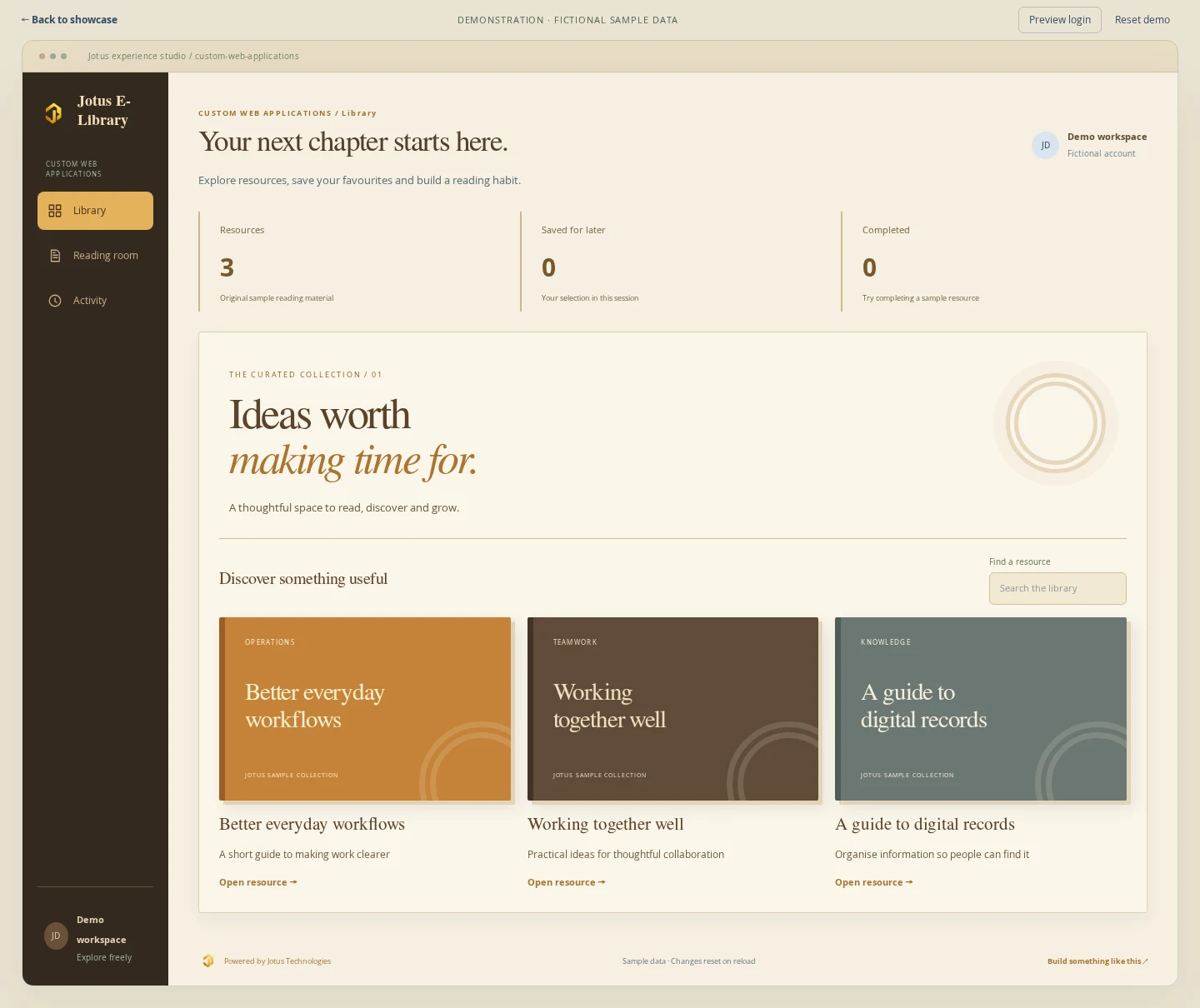
Explore a sample digital library with searchable resources, a reading workspace and progress tracking. The same approach can be adapted for learning, document workflows and other browser-based tools.
This is an illustrative demonstration with fictional sample data, not a completed client project. Actions stay in your current browser session and reset when you reload.
 Open the demonstration ↗
Search an original sample resource collection.
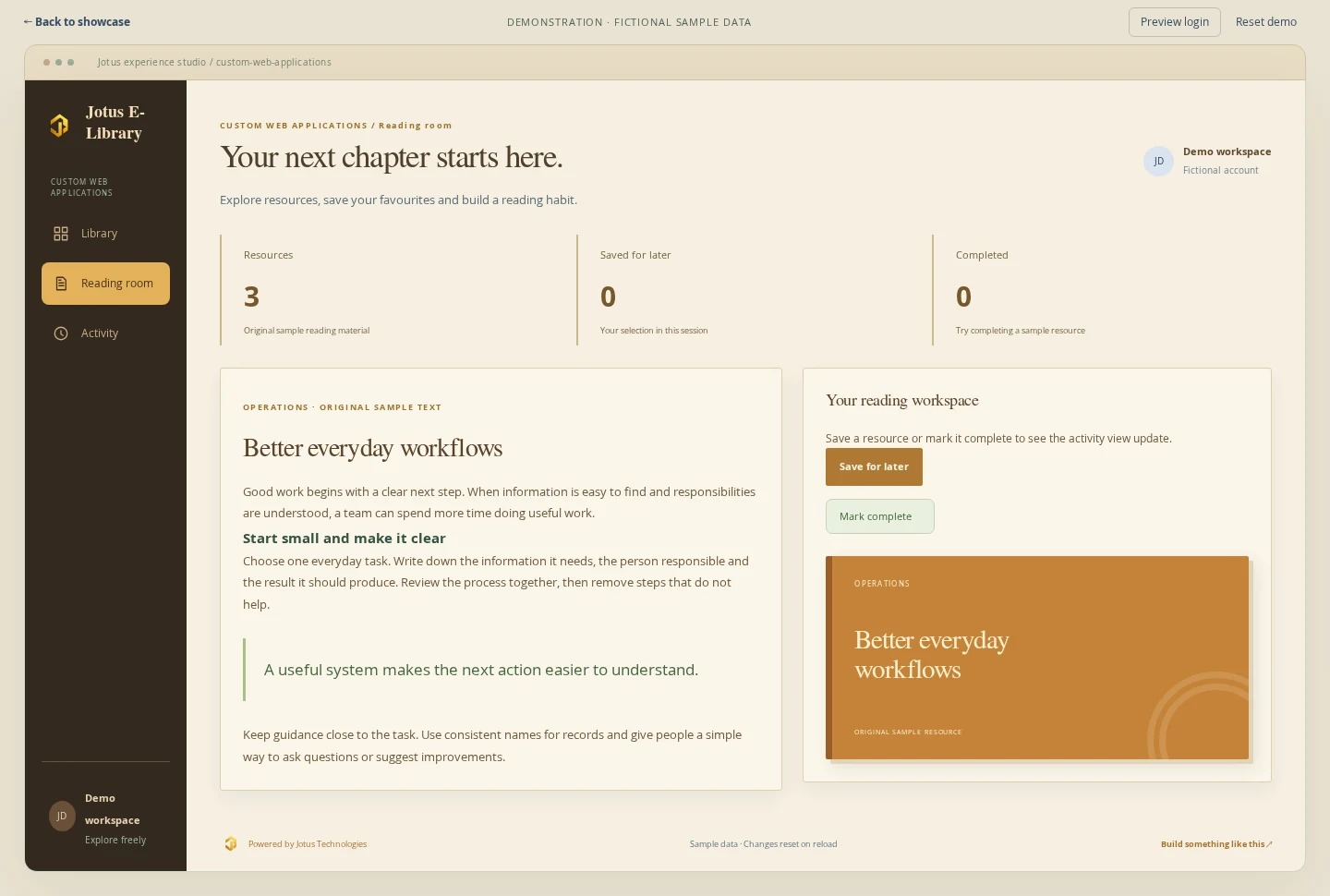
Open a resource, save it and mark it complete.
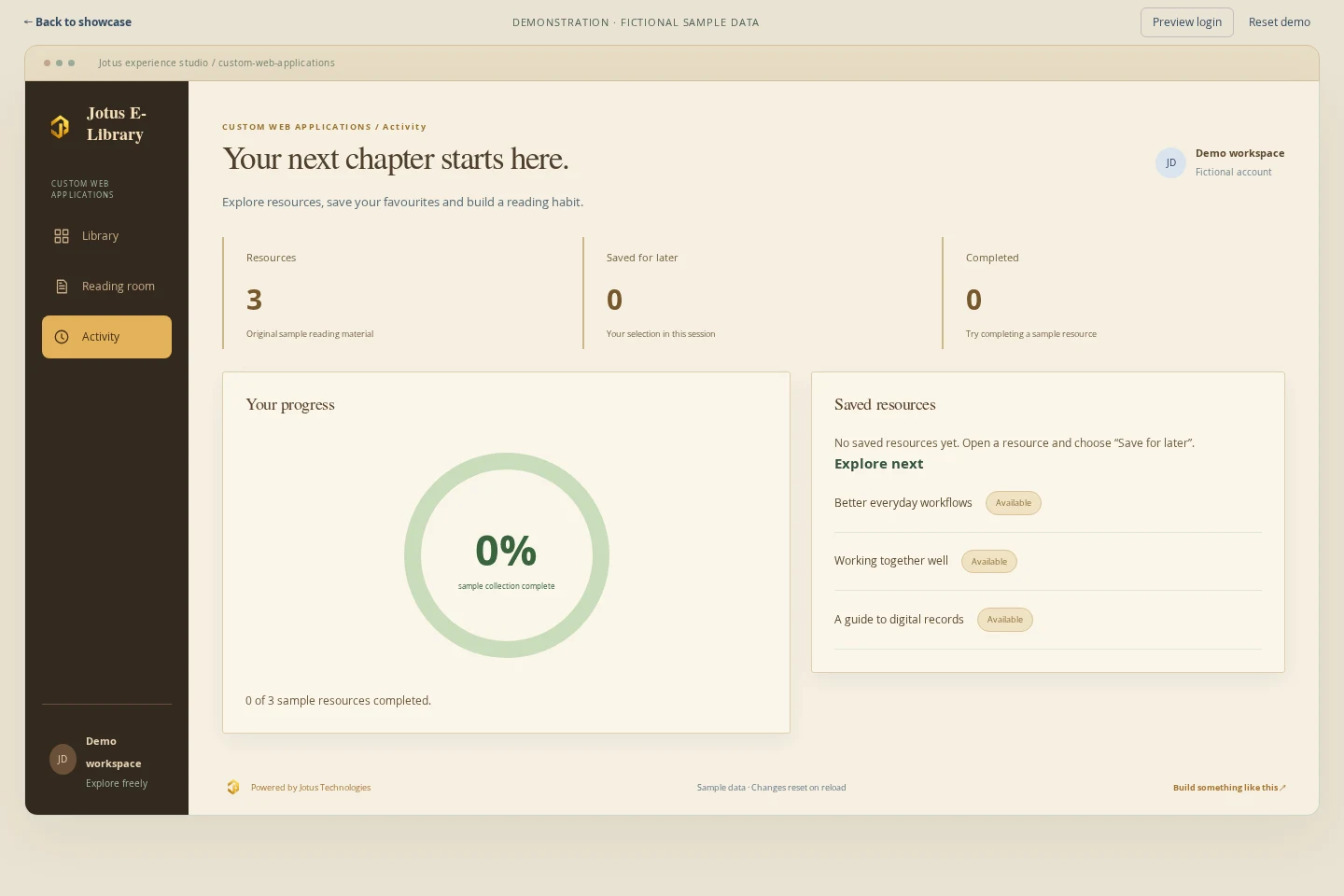
Review sample reading progress and saved resources.
These screens are a starting point for discussion. Your branding, modules, permissions, integrations and workflows would be agreed before development.
Start with what users need to do, then build the screens and actions that support it.
Make search, saved items and progress feedback part of a coherent user experience.
Plan integrations, reporting and future modules around your requirements.
Tell us about your process, your customers and the result you want to achieve.
Discuss your project ↗